Entertainment
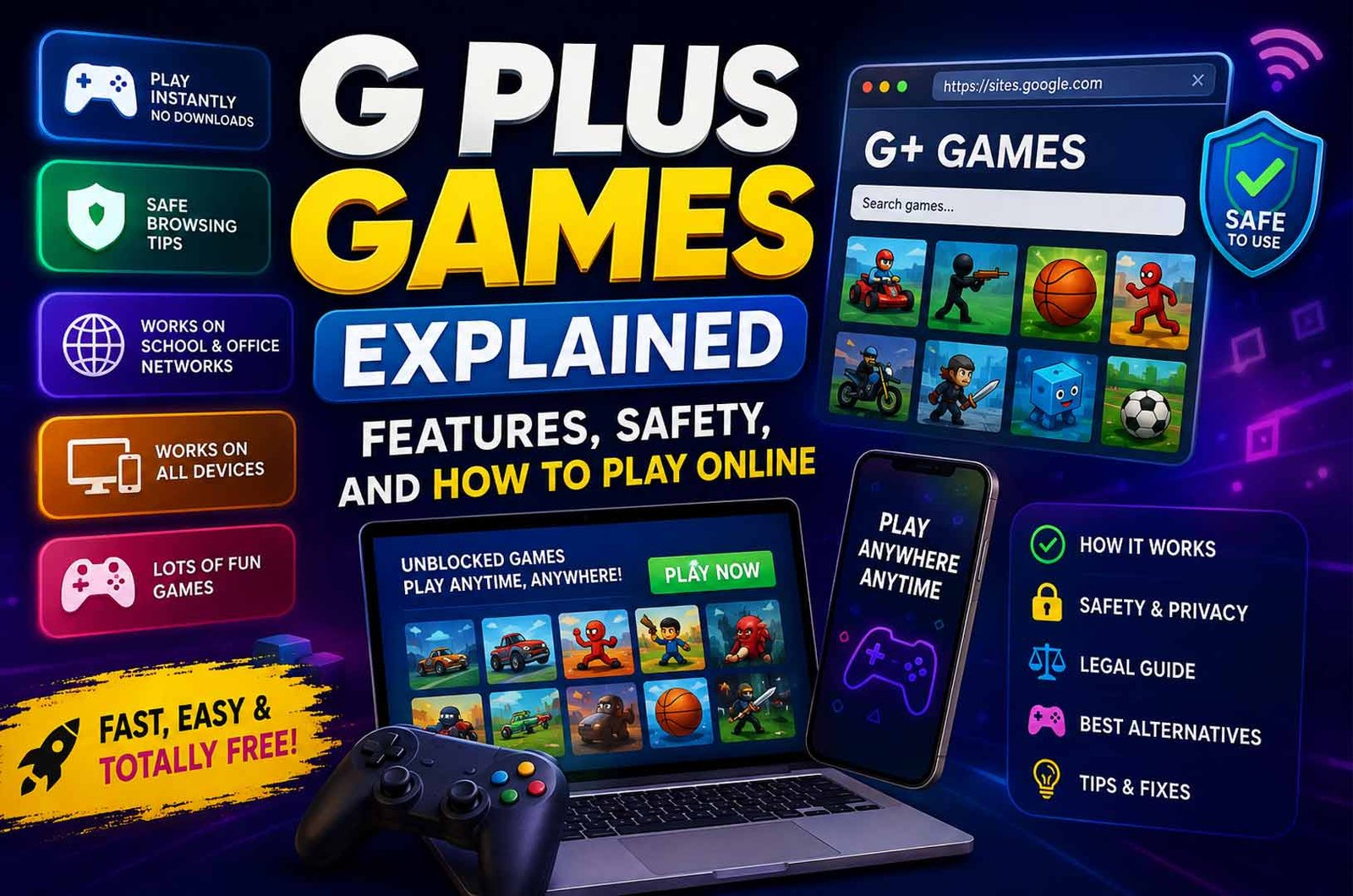
G Plus Games Explained: Features, Safety, and How to Play Online
Published
9 hours agoon
By
Emma
G Plus Games are online browser games that people use when gaming websites are blocked at school or work. These games run without downloads and open directly in a browser.
Many users search for G Plus Games to find quick and simple entertainment that works on restricted networks.
In this article, you will learn what G Plus Games are, how they work, where to access them, and what features they offer.
What Are G Plus Games?
G Plus Games are a collection of online games that you can play directly in a web browser. They are not a single official platform. Instead, they are different websites that offer similar game libraries.
Most of these games are hosted on Google Sites. This setup allows users to open them easily on networks where other gaming websites are blocked.
These games are designed for quick access. You do not need to install anything or create an account. You simply open the site and start playing.
G Plus Games are mostly used by students and office users who want simple entertainment during short breaks.
How G Plus Games Work
G Plus Games run using modern web technologies like HTML5 and JavaScript. These technologies allow games to load directly in the browser without extra software.
When you open a G Plus Games site, the game files load instantly from the server. This makes the experience fast, even on slow internet connections.
A key reason these games work on restricted networks is their hosting. Many are placed on Google Sites. Schools and workplaces often allow Google services, so these game pages are not always blocked.
Network filters usually block known gaming websites. However, G Plus Games appear as normal Google traffic. This helps them bypass restrictions.
Where You Can Access G Plus Games
The most common place to access G Plus Games is through Google Sites. These sites are free to create and are widely trusted by networks.
Because Google services are important for education and work, blocking them completely is not practical. This makes Google Sites a common choice for hosting these games.
If one site is blocked or removed, users often look for mirror sites. These are copies of the same game collections hosted on different links.
Some popular alternatives include platforms like Unblocked Games 66 and Classroom 6x. These sites offer similar browser-based games.
In some cases, users also access games through browser extensions or apps, but this is less common and may not always be safe.
Main Features of G Plus Games
No Download Required
You do not need to install any files. All games run directly in your browser.
Instant Play
Games start quickly with a single click. There is no setup or loading process like traditional games.
Works on Low-Speed Internet
Most games are lightweight. They use very little data and load fast, even on slower connections.
Wide Game Variety
You can find many types of games, including action, puzzle, and sports. This gives users many choices in one place.
Simple Interface
Most sites have basic layouts. Games are easy to find and start without confusion.
Compatible with School and Office Devices
These games work well on Chromebooks and office computers. They do not need high system power.
Popular Games and Categories
G Plus Games offer different types of games for different interests. Most platforms organize games into simple categories.
Common categories include action, puzzle, strategy, sports, and racing games. This makes it easy to find a game based on your preference.
Some of the most popular games include Happy Wheels, 1v1.LOL, Run 3, Drift Boss, and Fireboy and Watergirl. These games are simple, fast, and easy to play.
Many of these titles are popular because they load quickly and do not require long sessions. Users can play them for a few minutes and then return to work or study.
Supported Devices and Requirements
G Plus Games work on most modern devices. You can play them on Chromebooks, desktop computers, laptops, and tablets.
They also work on mobile devices through a web browser, although the experience may vary depending on screen size.
The system requirements are very basic. You only need a stable internet connection and a modern browser like Chrome, Edge, or Firefox.
No special hardware or high performance is needed. This makes these games accessible to almost everyone.Are G Plus Games Safe to Use?
G Plus Games are generally safe when used on trusted sites. Most official versions are hosted on Google Sites, which reduces the risk of harmful files. These games do not require downloads, so the chance of malware is low.
However, not all sites are the same. Some mirror sites may show ads or fake buttons. These can lead to unsafe pages.
To stay safe, avoid entering personal details. Do not sign in with your email or password. Always check that the site uses HTTPS before playing.
Privacy and Data Usage
G Plus Games collect very little user data. Most sites only use simple cookies to save settings or high scores.
You do not need to create an account. This helps reduce data tracking compared to many apps and gaming platforms.
It is safer to play as a guest. Avoid linking your personal or school account to any game site. This keeps your browsing activity separate.
Legal and School Policy Considerations
G Plus Games are not illegal by themselves. They are normal browser-based games.
However, they are often used to bypass restrictions set by schools or workplaces. This may break local rules or policies.
Some networks block these sites for a reason. It is important to follow the rules of your school or workplace when using them.
Benefits of G Plus Games
-
Free to use
-
No downloads required
-
Quick and easy access
-
Works on restricted networks
-
Large variety of simple games
-
Low system requirements
These benefits make G Plus Games useful for short breaks and quick play sessions.
Drawbacks and Limitations
-
Sites can be blocked at any time
-
Mirror sites may contain ads or unsafe links
-
Limited graphics compared to full games
-
Not always reliable or stable
-
May break school or workplace rules
These limitations are important to understand before using these platforms regularly.
Common Problems and Fixes
Site Blocked
Sometimes the network blocks the website.
Fix: Try a different mirror site or check if the link uses HTTPS.
Game Not Loading
A game may fail to open or freeze.
Fix: Refresh the page or clear your browser cache. This often solves loading issues.
Broken or Removed Links
Some sites stop working or get removed.
Fix: Search for updated versions or similar sites with the same games.
Slow Performance
Games may lag on weak connections.
Fix: Close other tabs and check your internet speed. Lightweight games usually work better.
Best Alternatives to G Plus Games
Cool Math Games
Cool Math Games is a browser-based platform focused on learning through play. It offers puzzles, logic games, and math-based challenges.
Many schools allow it because it supports education. It is a good choice if you want both fun and learning.
Scratch
Scratch is a platform created by MIT. It allows users to play simple games and also create their own.
It is useful for beginners who want to learn coding. It focuses on creativity and problem-solving.
CodeCombat
CodeCombat teaches programming through gameplay. Players solve challenges using real coding languages like Python and JavaScript.
It is more advanced than G Plus Games. It is best for students who want to learn coding while playing.
Prodigy Math
Prodigy Math is designed for school students. It turns math problems into a game with levels and rewards.
It follows school curriculums. This makes it useful for learning while having fun.
Tips for Safe and Better Use
-
Use trusted websites only
-
Do not enter personal information
-
Avoid clicking unknown ads or pop-ups
-
Play as a guest when possible
-
Follow school or workplace rules
-
Choose educational platforms if needed
These steps help reduce risks and improve your experience.
Bottom Line
G Plus Games provide simple and fast online gaming without downloads. They are useful for quick entertainment, especially on restricted networks.
They are generally safe if you use trusted sites and avoid sharing personal data. However, they are not always reliable and may not be allowed in some environments.
If you want more value, educational platforms can be a better option for long-term use.
(FAQs)
Do I need to download anything to play?
All games run directly in a web browser.
Why do G Plus Games work on school networks?
They are often hosted on trusted platforms like Google Sites, which are not easily blocked.
Why is a G Plus Games site not working?
It may be blocked, removed, or facing technical issues.
Can I play G Plus Games on mobile?
You can play them using a mobile browser.
Are there better alternatives to G Plus Games?
Platforms like Scratch, Cool Math Games, and CodeCombat offer safer and more educational options.
Comporium Webmail Settings Explained: IMAP, POP3, and SMTP Setup
UGE Schedule Source Review 2026: Is It Good for Complex Scheduling?
Arena Messaging Review: Benefits, Drawbacks, and Performance
Ark Augmented Reality Explained for Beginners: How It Works and Why It Matters
GramSnap Review: Anonymous Instagram Viewer or Privacy Risk?
Pedrovazpaulo Business Consultant Review: Strategy, Coaching, and Business Growth
Timing Advance Processor Review: Performance, Safety, and Efficiency
Application Client Container Explained: Architecture, Features, and Uses
Brand Name Normalization Rules Explained: Benefits, Steps, and Best Practices
Image Search Techniques Explained: From Keyword Search to AI Visual Search
Jean Christensen: Her Life, Career, Daughter, and Relationship with André the Giant
Who Is Bayard Martensen? Everything to Know About Charlie and Max Carver’s Half-Brother
Alice Marrow: All About Ice-T’s Mother and Her Life Story
Trevor Mansur Brolin: The Full Story of Josh Brolin’s Talented Son
Meet Pamela Hilburger: The Inspiring Story of Devon Aoki’s Mother
Who Is Laurie Holmond? The Inspiring Story of Snoop Dogg’s Former Partner
Miah Harbaugh’s Story: Her Marriage to Jim Harbaugh and Life After Divorce
Alissa Mahler: From Scholar to Michael Knowles’ Wife – Her Full Story
Atsuko Remar: Everything to Know About James Remar’s Longtime Wife
Jamie Hartwright: The Complete Story of Judge Judy’s Eldest Daughter
Comporium Webmail Settings Explained: IMAP, POP3, and SMTP Setup
UGE Schedule Source Review 2026: Is It Good for Complex Scheduling?
Arena Messaging Review: Benefits, Drawbacks, and Performance
Ark Augmented Reality Explained for Beginners: How It Works and Why It Matters
GramSnap Review: Anonymous Instagram Viewer or Privacy Risk?
Pedrovazpaulo Business Consultant Review: Strategy, Coaching, and Business Growth
Timing Advance Processor Review: Performance, Safety, and Efficiency
Application Client Container Explained: Architecture, Features, and Uses
Brand Name Normalization Rules Explained: Benefits, Steps, and Best Practices
Image Search Techniques Explained: From Keyword Search to AI Visual Search
Categories
Trending
-
Celebrity2 years agoEd Asner’s Net Worth: Who Inherited His Money After Passing?
-
Net Worth2 years agoAlex Meneses Net Worth in 2024: A Deep Dive into Her Financial Success
-

Net Worth3 years agoAlan Cumming Net Worth in 2024, Biography, Family, Age and Wife
-
Net Worth3 years agoAlex Snodgrass Net Worth: Everything You Need to Know [2024]